
Uniform colour consistency guide
How to Prevent Colour Differences Between Uniform Batches
Uniform colours can look different when garments come from separate dye lots, brands, product models or production periods. A clear specification and controlled reorder process help companies keep new uniforms as close as possible to earlier batches.
Direct answer: Use the same garment brand, product code, supplier colour code, fabric and printing method for every batch. Keep an approved physical sample, product photo, artwork file, thread or ink reference and size chart. Order replacement pieces early, avoid mixing similar colours from different brands, and compare new stock against the approved sample before printing. Small shade differences may still occur between dye lots, so large teams should plan spare quantities and record acceptable alternatives in advance.
Control the Garment
Keep the same brand, product code, fabric and supplier colour reference.
Control the Artwork
Use the same logo file, dimensions, placement and production method.
Control Reorders
Compare new stock with an approved sample before production begins.
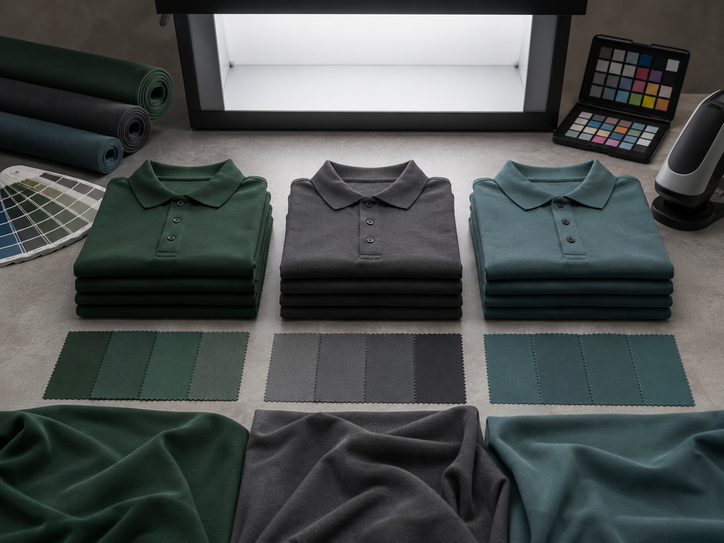
Quick comparison
Why Uniform Batches Look Different
Several factors can create visible colour variation even when the general colour name is the same.
| Cause | What changes | Why it happens | How to reduce the difference |
|---|---|---|---|
| Different dye lots | Garment shade | Fabric is dyed in separate production batches | Order together where possible and compare against an approved sample |
| Different brands | Colour tone and fabric appearance | Each supplier uses different fabric and colour standards | Do not replace a product based on colour name alone |
| Different product models | Texture, shine and perceived shade | Cotton, polyester and blends reflect light differently | Use the same product code for repeat orders |
| Different printing settings | Logo colour | Ink, thread, curing or heat settings may vary | Keep approved colour references and production notes |
| Age and washing | Old uniforms appear lighter | Repeated washing and sunlight gradually change colour | Compare new stock with an unworn approved sample, not only used uniforms |
| Lighting conditions | Colour appears warmer or cooler | Indoor, daylight and phone screens display colour differently | Compare physical garments under consistent neutral lighting |
Most important rule: Record the exact product code and supplier colour code. General terms such as navy, royal blue or red are not precise enough for repeat orders.
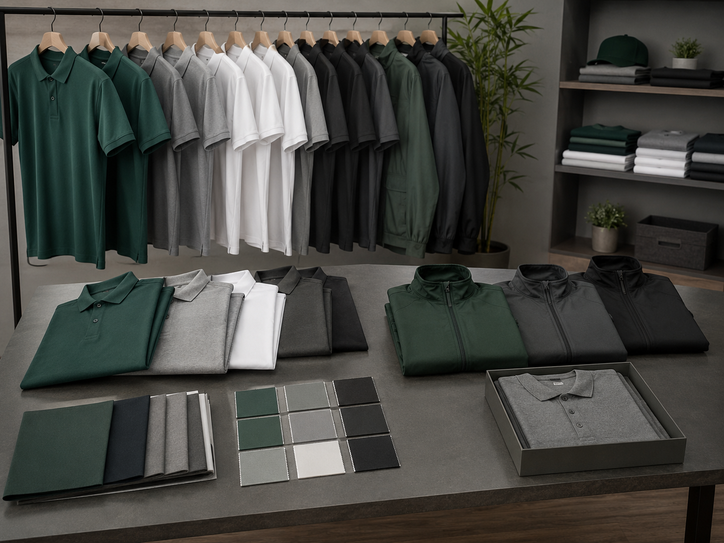
Quick comparison
Why Uniform Batches Look Different
Several factors can create visible colour variation even when the general colour name is the same.
| Cause | What changes | Why it happens | How to reduce the difference |
|---|---|---|---|
| Different dye lots | Garment shade | Fabric is dyed in separate production batches | Order together where possible and compare against an approved sample |
| Different brands | Colour tone and fabric appearance | Each supplier uses different fabric and colour standards | Do not replace a product based on colour name alone |
| Different product models | Texture, shine and perceived shade | Cotton, polyester and blends reflect light differently | Use the same product code for repeat orders |
| Different printing settings | Logo colour | Ink, thread, curing or heat settings may vary | Keep approved colour references and production notes |
| Age and washing | Old uniforms appear lighter | Repeated washing and sunlight gradually change colour | Compare new stock with an unworn approved sample, not only used uniforms |
| Lighting conditions | Colour appears warmer or cooler | Indoor, daylight and phone screens display colour differently | Compare physical garments under consistent neutral lighting |
Most important rule: Record the exact product code and supplier colour code. General terms such as navy, royal blue or red are not precise enough for repeat orders.
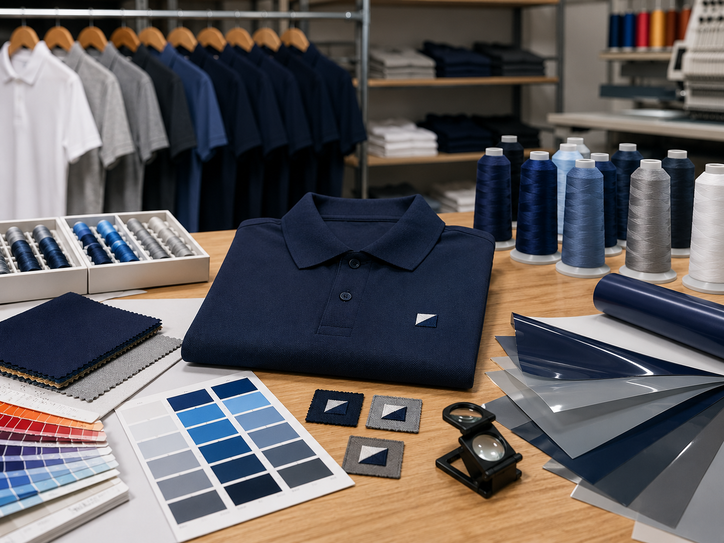
Printing and embroidery consistency
Keep Logo Colours Consistent Between Batches
Garment colour is only one part of the uniform. The logo can also change when artwork, thread, ink or production settings are not controlled.
Record the Thread Reference
Save the approved thread brand, colour code, stitch file, logo dimensions and backing requirements.
Use the Same Artwork and Colour Profile
Keep the original artwork file, approved proof, print dimensions and production reference.
Record Ink Colours and Mixing Notes
Use the same colour references, screen setup, underbase and print size for future batches.
Keep the Same Fabric and Digital File
Polyester type, printer settings and heat control can affect the final colour of the jersey.
Record the Film Colour and Supplier
Similar vinyl colour names from different suppliers may not match under the same lighting.
Keep a Physical Production Sample
Use the approved garment and logo together as the reference for every future reorder.
Artwork rule: Never rebuild a logo from a screenshot or old low-resolution image. Use the approved original artwork file for every batch.
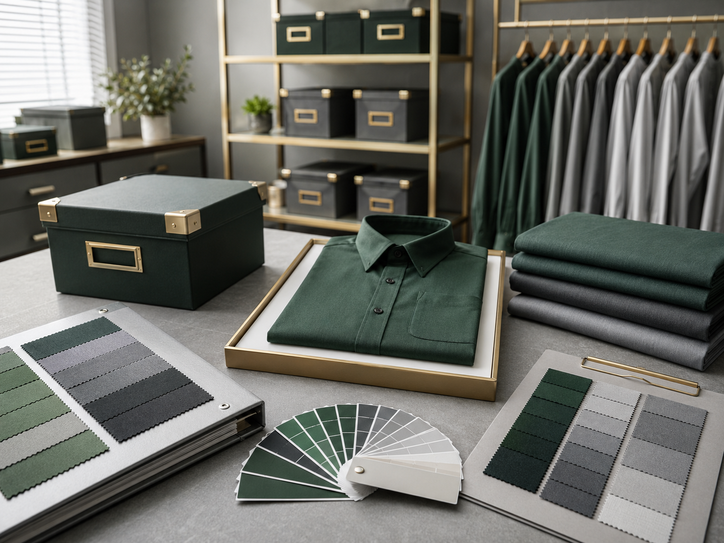
Material, colour and design control
Build a Reliable Colour-Control System
A simple written system is more reliable than staff memory, phone photos or colour names alone.
Keep an Unworn Master Sample
Store one approved garment away from sunlight, moisture and daily use for future comparisons.
Record Supplier Colour Codes
Use the official product colour name and code instead of a general description.
Compare Under Neutral Light
Use consistent daylight or neutral white lighting when checking new stock.
Order Departments Together
When colour matching is critical, place the main quantity in one confirmed production batch where possible.
Plan Spare Quantities
Keep replacement pieces for new staff, damage and size exchanges instead of reordering immediately.
Approve Alternatives in Advance
Record which backup products are acceptable and whether they should be used for a separate department or full replacement cycle.
Common Colour-Control Mistakes
- Using only a colour name such as navy or blue
- Comparing a new garment with a heavily washed uniform
- Mixing brands during urgent reorders
- Using phone-screen colours as the final reference
- Changing fabric without checking how it reflects light
- Recreating artwork from an old image
- Ordering exact quantities with no spare stock
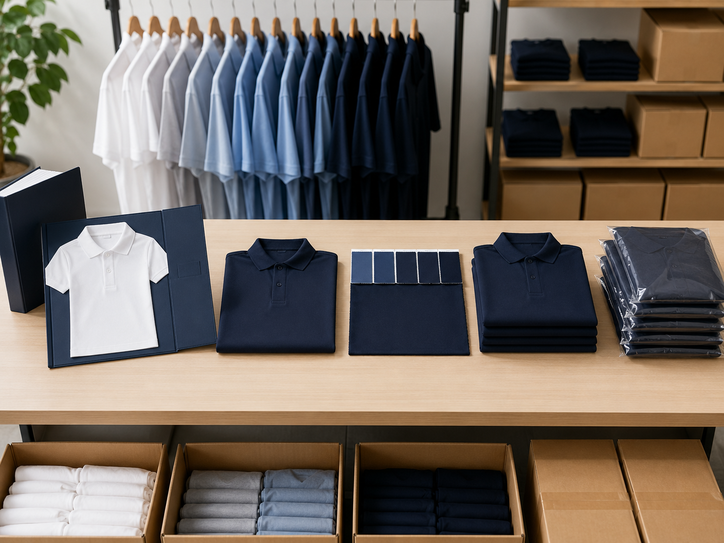
Reorder process
Prevent Batch Differences Step by Step
Use the same process for new staff, branch additions and replacement uniforms.
Open the Approved Specification
Check the brand, product code, fabric, colour code, size chart and artwork version.
Confirm Current Product Availability
Verify that the same model, colour and size range are still available before collecting staff sizes.
Request a Physical Colour Check
Compare current stock with the unworn master sample or approved garment reference.
Confirm Logo Production Details
Use the same artwork, print size, thread or ink reference and placement.
Approve Any Visible Difference
Do not proceed with a substitute until the company accepts the colour and fabric variation.
Order Practical Spare Quantities
Add replacement pieces in commonly used sizes to reduce urgent future reorders.
Update the Specification Record
Record the reorder date, batch notes, approved variation and remaining spare stock.
Buyer scenarios
How Different Organisations Can Plan
Keep New Staff Uniforms Consistent
Suggested approach: Hold spare pieces in common sizes and reorder before stock becomes urgent.
Use One Central Specification
Suggested approach: Require every branch to use the same product code, artwork and approved colour reference.
Separate Each Year Clearly
Suggested approach: Accept a new shade only when the full event batch uses it consistently.
Move to a Controlled Replacement
Suggested approach: Approve one new model and use it for a planned replacement cycle rather than mixing products randomly.
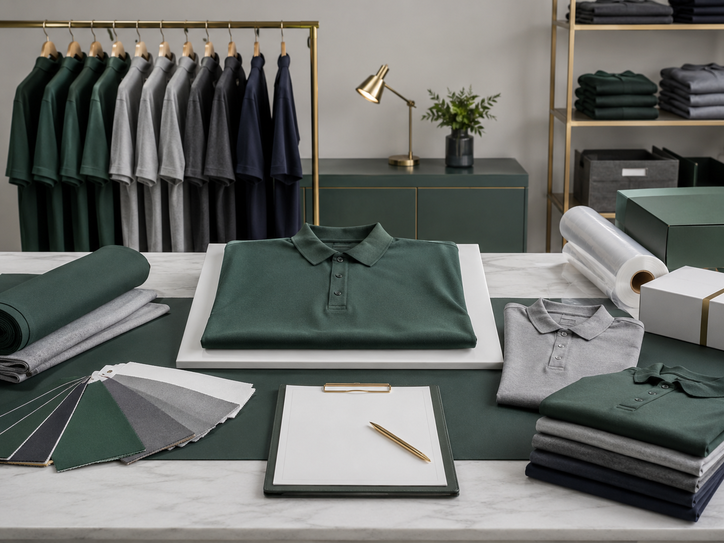
Colour consistency checklist
Confirm These Details Before Reordering
- Garment brand and product code
- Supplier colour name and colour code
- Fabric composition and weight
- Exact product size chart
- Unworn approved garment sample
- Approved artwork file and version
- Print, thread or vinyl colour reference
- Logo size and placement
- Approved alternative product
- Spare stock and reorder quantity
Important expectation: Good planning can reduce colour differences, but exact shade matching across separate dye lots and production periods may not always be possible.
Frequently asked questions
Uniform Batch Colour FAQ
Why does the same uniform colour look different?
The garments may come from different dye lots, fabrics, brands or production periods. Lighting and garment age can also affect how the colour appears.
Can exact colour matching be guaranteed?
Exact matching across separate dye lots cannot always be guaranteed. Using the same product and comparing current stock with an approved sample reduces the risk.
Should new uniforms be compared with old worn uniforms?
No. Used uniforms may have faded through washing and sunlight. Compare new stock with an unworn master sample where possible.
Can two brands use the same navy colour?
They may both call the colour navy, but the actual tone, fabric texture and shine can be visibly different.
What should happen if a product is discontinued?
Approve one replacement model, compare it physically and update the specification sheet before placing the new order.
How many spare uniforms should a company keep?
The amount depends on staff turnover, size range and reorder frequency. Keep more spares in the most commonly used sizes.
Can logo colours also vary between batches?
Yes. Thread, ink, vinyl, artwork files and production settings can all affect the final logo colour.
Plan more consistent reorders
Keep Your Uniform Batches Better Matched
Share the approved garment, product code, colour, sample, artwork, size list and previous order details. Uniform Penang can review the reorder and help identify suitable current stock or alternatives.
Useful Uniform Penang resources
Plan Better Uniform Reorders
Use these pages to compare products, document specifications and improve order consistency.
Uniform Specification Sheet
Learn how to record the garment, colour, size chart, artwork and packing details.
Open the specification guide →Clothing Brands Guide
Compare clothing brands before approving the main product and alternatives.
Open the brand guide →Gildan Products
Review T-shirts, polos, colours and printing options.
Explore Gildan →Oren Sport Products
Review quick-dry shirts, jerseys, polos, jackets and caps.
Explore Oren Sport →DTF Printing
Review DTF for logos, names and mixed garment orders.
Explore DTF printing →Silkscreen Printing
Review printing for larger quantities and repeat artwork.
Explore silkscreen printing →Uniform Penang
View uniforms, workwear, event apparel and custom branding support.
Visit Uniform Penang →Contact Uniform Penang
Send the previous order details, sample, quantity, sizes and artwork.
Go to the contact page →Our other company websites
Regional Uniform and Printing Support
Explore related company websites when the order involves another Malaysian region, Singapore, Australia, broader product sourcing or reseller support.
JC Print Malaysia
Corporate apparel, custom printing and broader garment sourcing support.
Visit JC Print Malaysia →Selangor Print
Uniform and custom printing enquiries for Selangor and the Klang Valley.
Visit Selangor Print →Uniform Johor
Uniform supply and delivery support for companies, schools, groups and events in Johor.
Visit Uniform Johor →Uniform Sabah
Custom apparel and uniform ordering support for customers throughout Sabah.
Visit Uniform Sabah →Uniform Singapore
Corporate uniforms, event apparel and custom printing support for Singapore customers.
Visit Uniform Singapore →Uniform Hub SG
Another Singapore-focused channel for uniform and customised apparel enquiries.
Visit Uniform Hub SG →Tanah Studio
Apparel and creative product support for customers seeking an Australia-based option.
Visit Tanah Studio →KitaPrint
Resources for agents and resellers interested in selling printed apparel online.
Visit KitaPrint →Product ranges, stock, colour availability, delivery coverage and service arrangements may vary by website and region. Confirm current requirements before ordering.